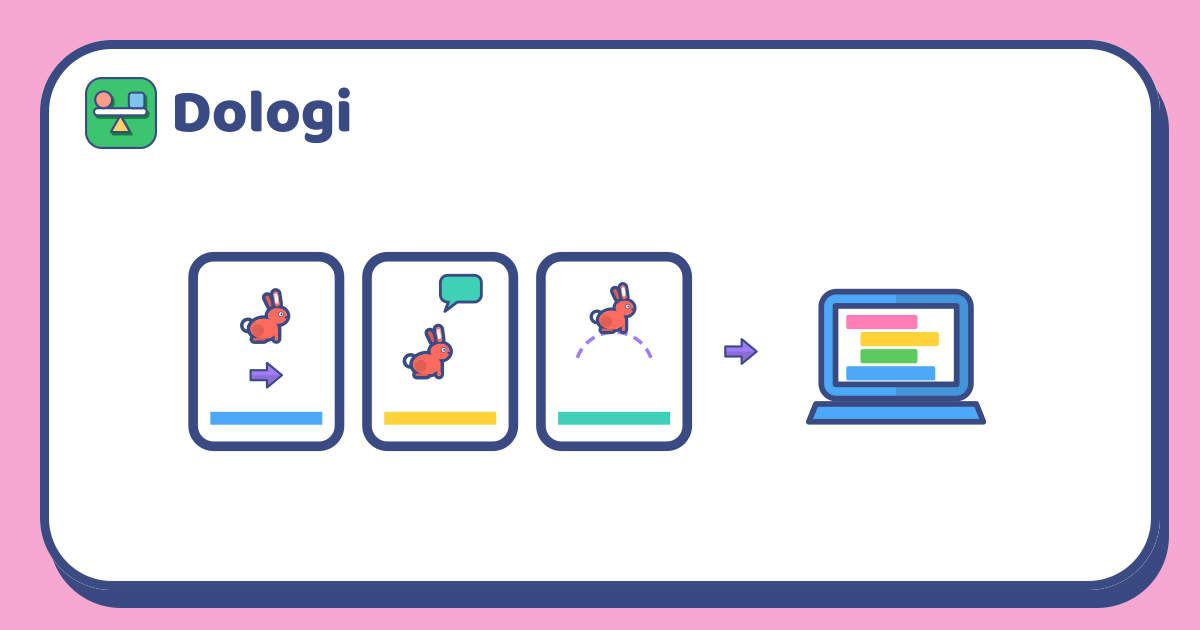
Your child has dragged a few blocks around to make a character run back and forth, and now asks, "What do I do next?" That question is a good moment to start a real project: small, finished in one or two sessions, and with something to show at the end. A short story is a great first project for children aged 7 to 10, because they already know how to tell stories. They only need to learn how to tell the computer to act it out.
This article walks parents through a project like this, using any block-based coding tool made for children.
Why a story
A story already has an order: what happens first and what happens next. That is the core idea of coding too, where instructions run one after another from top to bottom.
- Your child knows what they want. They invent the character and the lines, so they are motivated to finish.
- Mistakes are easy to spot. If the character speaks before arriving, or jumps at the wrong moment, your child sees it straight away.
- There is an audience. At the end, your child shows the story to the family, which is a natural reward.
Plan three scenes on paper first
Don't open the computer yet. Fold a sheet of paper into three frames. Each frame is one scene, and each scene has one main action:
| Scene | Action | Example |
|---|---|---|
| 1 | The character walks | The rabbit walks from the left to a tree |
| 2 | The character speaks | The rabbit says, "Are there any carrots around here?" |
| 3 | The character does something else | The rabbit jumps up after spotting a carrot |
Rough sketches are fine, with the lines written alongside. Ask your child: "When does this scene start? When it ends, which scene comes next?" Planning on paper lets your child finish thinking about the story first, so at the computer they only need to work out how to build it.
Stick to three scenes. If your child wants to add a dragon or some magic, write it down for "part two", to do once the first three scenes work.
Build one scene at a time and test it straight away
At the computer, finish scene 1 and press run. Only move on to scene 2 once it works.
- Scene 1: choose a character, set the starting position, and add a "move" or "glide to" block towards the target.
- Scene 2: add a "say" block with the line and how long it stays on screen.
- Scene 3: add a new action, such as jumping up and landing, changing the character's costume, or playing a sound.
Testing after each scene helps your child know where a bug is. If they build all three scenes before running anything, the mistake could be in any block, and that is discouraging.
One small but important tip: have your child add a "go to the starting position" block at the very beginning of the program. Without it, on the second run the character starts from wherever it stopped last time and the story goes off track.
When it doesn't work: finding bugs together
Programs that go wrong are normal, even for adults who code for a living. When there is a bug, don't fix it for your child. Ask instead:
- "What do you want the character to do? What is it doing?"
- "Which scene does the problem happen in?"
- "Try reading each block out loud from the top. What will the computer do?"
Some bugs children often meet:
| Your child sees | Usually because |
|---|---|
| The character talks while walking | The "say" block doesn't wait, so it runs at the same time as "move" |
| The words appear and vanish too quickly | The line is shown for too short a time |
| The character keeps jumping forever | The jump blocks are inside a "forever" loop |
| On the next run the character starts in the wrong place | The "go to the starting position" block is missing |
When a bug is fixed, praise how your child found it, not just the result: "You read each block and spotted the problem right away. That was smart."
Show it to the whole family
Once all three scenes run smoothly, set aside an evening for your child's "premiere". They introduce the character, press run, and then tell everyone what happens after the last scene.
The audience can ask a question or two: "How did you make the rabbit jump?" or "If you added another scene, what would the rabbit do?" Answering these, your child practises explaining how they built it in their own words, and often comes up with their next project.
If your child wants to keep going, suggest changing one thing at a time: add a second character who answers, add a fourth scene, or make the story start when someone clicks the character. One small change, a test run, then the next.
In short
- A three-scene story is a first project that suits children aged 7 to 10: a clear order, easy-to-spot mistakes, and an audience.
- Plan on paper first, with one main action per scene.
- Test each scene as soon as it is built; when something goes wrong, ask questions so your child finds the bug instead of fixing it for them.
- Finish with a family showing, then let your child choose the next small change.
Read more: Learning to code on a computer: what age should children start?