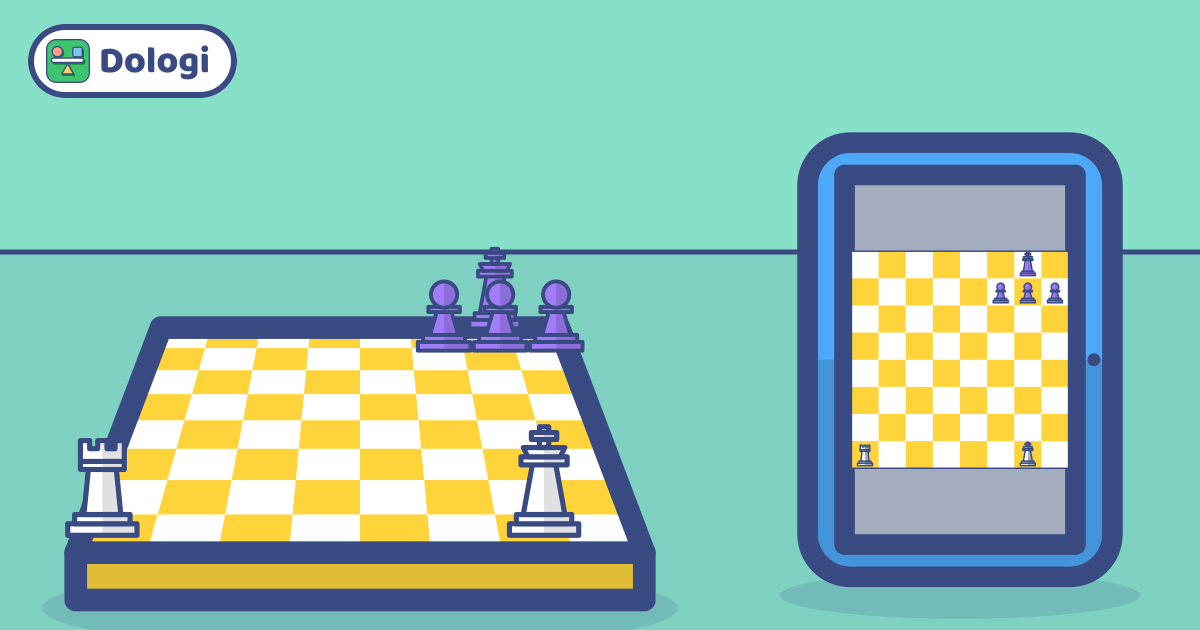
A few months into learning chess, your child now asks for your phone every evening. "It's just chess!" And you're torn. Chess is a great activity, but screen time is still screen time. Then there are the ads, strangers sending messages, leaderboards, games that roll into one another without end, and a wooden chess set gathering dust in the closet.
This post gives an honest answer to "is it good for them?", a checklist you can use to choose a chess app or site yourself, and ideas for making the screen support your child's chess instead of replacing the real board.
The short answer
A screen can be a genuinely useful chess partner. It's always available, it can play at the right level, it offers puzzles and hints, and it lets your child practice even when nobody at home plays. But the screen doesn't make chess better or worse on its own. What matters is how the app is built and how your child uses it. And chess on a tablet still counts as screen time.
What screens do well, and what the real board does better
| On a screen | On a real board |
|---|---|
| An opponent any time, at an adjustable level | A real person across the table: faces, conversation, waiting your turn, a handshake at the end |
| Hints and explanations when a move doesn't work | Practice winning and losing in front of someone |
| Moves recorded automatically for review | Handling the pieces, setting up the board, checking the rules yourself |
| Lots of short puzzles, a few at a time | No notifications popping up; easy to pause and talk |
| Something to do alone | Time together as a family |
The two complement each other. The human side of a game, like waiting while your opponent thinks or congratulating them when they win, is the part a screen has a hard time replacing.
A checklist for choosing a chess app or site
You can use this list to size up any chess app or website yourself:
- No ads, and no offers to buy extras while your child is playing.
- No chat or messaging with strangers. For younger kids, skip online games against people they don't know; if it's allowed at all, it needs strict controls.
- No public leaderboards that turn every game into a ranking.
- No clock forcing fast play for beginners. Kids need time to think.
- Explanations when a move doesn't work, in gentle words, without red alarms or "Blunder!"
- Asks for little personal information, and kids can use it without creating an account.
- Doesn't pull your child back with streaks, daily rewards or reminder notifications.
- Lets you set a time limit, or at least doesn't get in the way of yours.
A tip: play it yourself for ten minutes before handing it over, and sit with your child for the first few sessions. For general criteria on learning apps, see How much screen time is right for children, and how to choose a safe learning app.
How much, and when
There's no single right number for every family. A few things usually help:
- Keep sessions short: one or two short games or a handful of puzzles at a time.
- Count it inside your family's screen-time agreement, not on top of it because "chess is educational."
- Avoid it right before bed.
- Stop at a natural end: the end of a game or a puzzle, not the middle. Agreeing on "one more game, then we're done" ahead of time beats arguing at the last minute. For ways to give a heads-up so screens go off more smoothly, see Turning off the screen without tears.
Keep the real board in the game
A few ways to connect screen games with the chess set at home:
- Solve on screen, play it out on the board: your child solves a puzzle on the tablet, then sets up the position on the real board and plays it out with you.
- Replay the best moment: after a game against the computer, your child sets up the most exciting position on the real board and explains it to you.
- Let your child teach: they show you a trick they just learned on screen.
- Plan real games: a few screen games during the week, and a family game on the real board on the weekend, or a game with a grandparent.
- Sit beside them now and then while they play on screen and ask, "What's your plan here?" For more on turning app time into talking time, see Using screens together.
The Chess room in Dologi's Creative corner is built on these same principles: no ads, no record of wins and losses, no clock, no scores. The chess buddies are characters played by the app, and there's no chatting with other people. When a move doesn't work in a puzzle, the app invites your child to try again instead of flashing red. Watch the game again goes through each move with gentle words, a one-line reason and an arrow for a better move. Two players lets two people play on the same device. You set a daily play time for each player in the parent area, and time in the Creative corner counts toward it.
In short
- Chess on a screen can be useful when the app is well made and used in moderation; it still counts as screen time.
- Look for no ads, no chatting with strangers, no leaderboards, no clock forcing fast play, and gentle explanations.
- Keep sessions short, inside your screen-time agreement, and stop at the end of a game.
- Connect the screen with the real board: set up positions, replay moments and plan games with real people.
Read more: How much screen time is right for children, and how to choose a safe learning app, Using screens together: turning app time into talking time