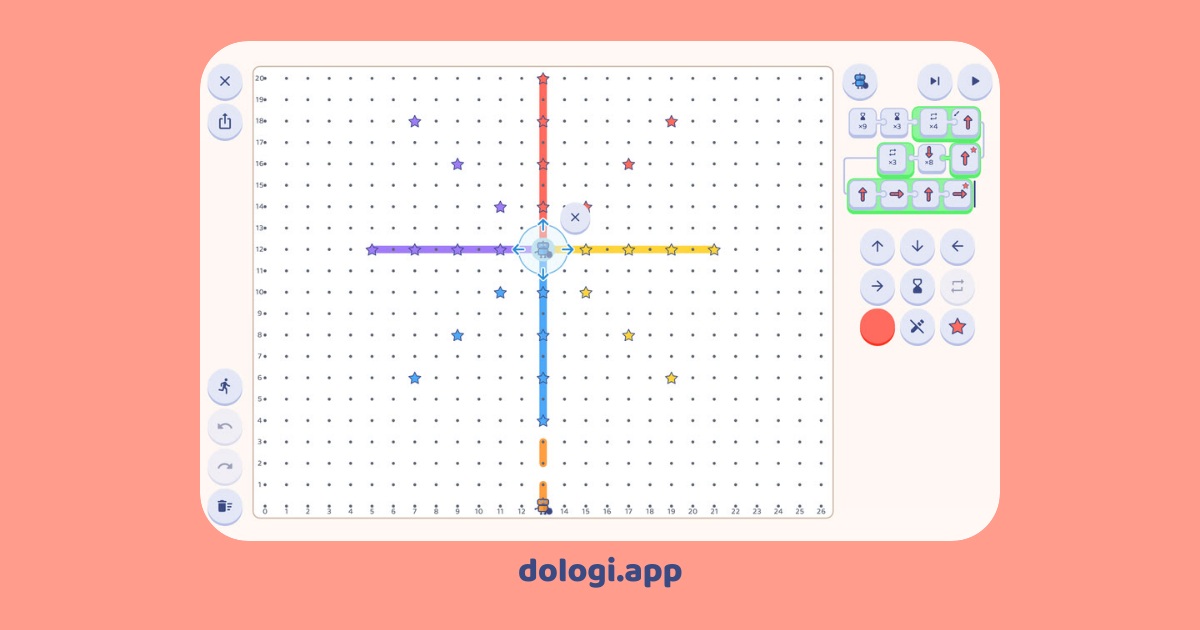
At its simplest, coding means putting steps in the right order for a machine to follow. Children as young as 5 or 6 can get used to this idea, as long as the steps are shown as pictures rather than words. The Drawing robot in Dologi's Creative corner does exactly that: your child lines up command pieces, and the robot walks across the paper and leaves a drawing behind.
How does the Drawing robot work?
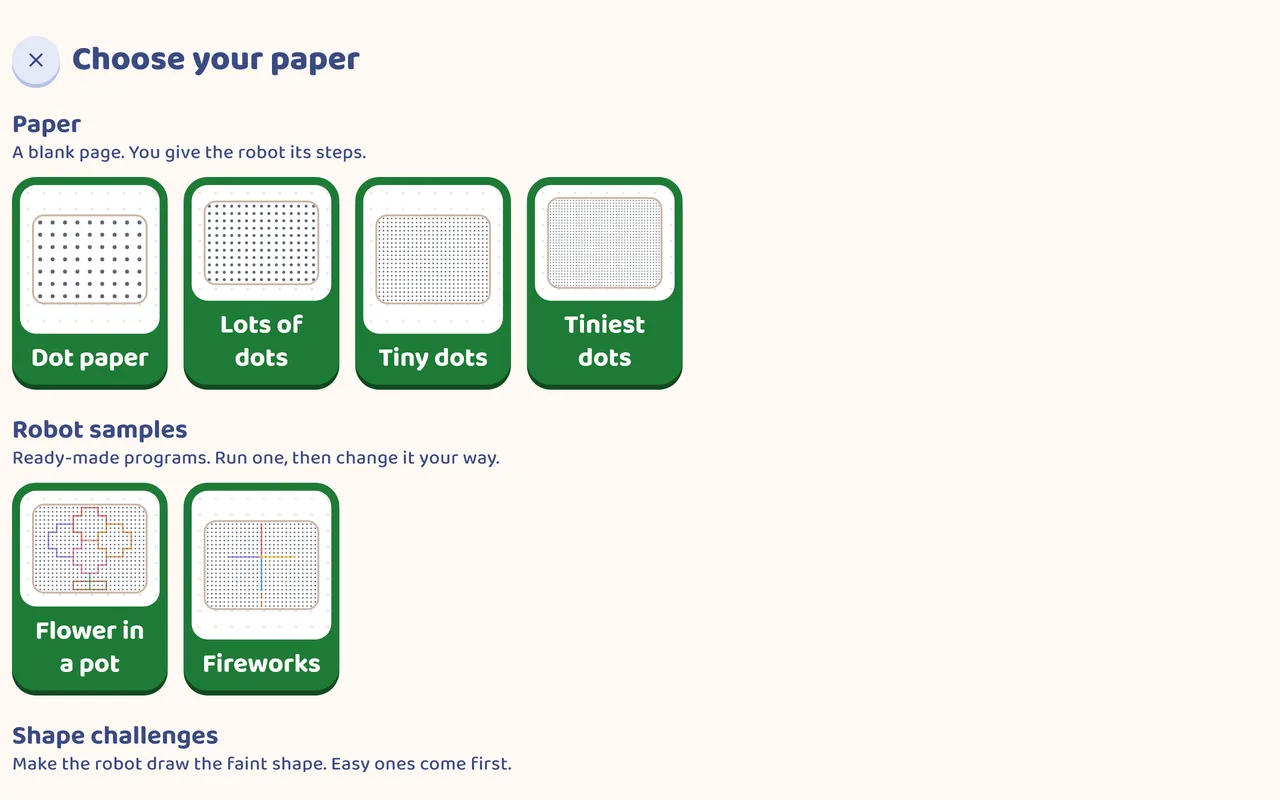
Your child chooses a sheet of dot paper (from sparse to dense), then snaps command pieces into a row. Each piece is one step:
- Go up, down, left or right by 1 to 9 steps.
- Wait a few beats, so several robots can draw in time with each other.
- Repeat: a C-shaped piece wraps around a few other pieces and repeats them 2 to 9 times.
- Effects attached to a move piece: lift the pen (move without drawing), change the pen color, or drop a stamp on every dot passed.
Tap Run the robot and it walks step by step, drawing as it goes. To look closely, tap Go one step to run one beat at a time, or set the speed to slow or fast. When a robot reaches the edge of the paper, it bounces back gently and stops. Nothing "breaks".
Up to 5 robots drawing together
Your child can add up to 5 robots, each with its own row of commands and its own starting point. The robots run in time with each other, so your child can have them draw mirror images of each other or take turns one after another. The Fireworks sample on the cover is five robots drawing five rays of light from the same center.
The edge of the paper shows coordinates, with the origin at the bottom left. Older children gradually notice that moving the starting point 3 squares to the right moves the whole shape 3 squares too, a first step toward understanding coordinates.
Shape challenges and ready-made samples
- Shape challenges: 8 shapes from easy to hard (a straight line, the letter L, a square, stairs, a castle wall, a mountain…). The shape appears faintly on the paper, and your child lines up commands so the robot draws right over it. Once it's right, the app suggests trying again with fewer pieces, usually by using the repeat piece.
- Robot samples: Flower in a pot and Fireworks run as soon as you open them, and your child can watch, then change the commands their own way.
- Redraw this with new steps: starting from a saved program, your child tries to redraw exactly the same picture using different steps.
There are no scores and no badges. What your child gets is the feeling of "I told the robot what to do, and it did it right".
What does your child learn?
| While playing, your child… | The skill |
|---|---|
| Lines up steps in the right order | Sequential thinking, algorithms |
| Sees a wrong shape and finds the piece that caused it | Debugging |
| Gathers identical steps into a repeat piece | Loops, finding patterns |
| Counts squares and changes left and right direction | Space, direction |
| Runs several robots in time with each other | Coordination, planning |
Programs save by themselves to Your robot programs on the device. When your child reopens one, the robot redraws it from the start, so they can always see how the picture came about.
Ideas for playing together
- Be the robot: before playing on the device, you act as the robot and your child calls out the commands, "up 2, right 3", while you walk around the room.
- Guess before running: ask "where will the robot stop?", then tap Run the robot to check.
- Find the wrong piece: change one piece in the Flower in a pot sample so the shape comes out crooked, and challenge your child to find it.
In short
- Your child snaps together move, wait and repeat pieces; the robot walks across dot paper and draws as it goes.
- Up to 5 robots run in time with each other, with coordinates at the edge of the paper.
- 8 shape challenges, ready-made samples and a redraw feature, with no scoring.
- It builds sequential thinking, loops and debugging, the foundations of coding.
Read more: Coding without a computer: algorithm games for children aged 5 to 10 · Loops and conditions for children: learning through skipping and songs