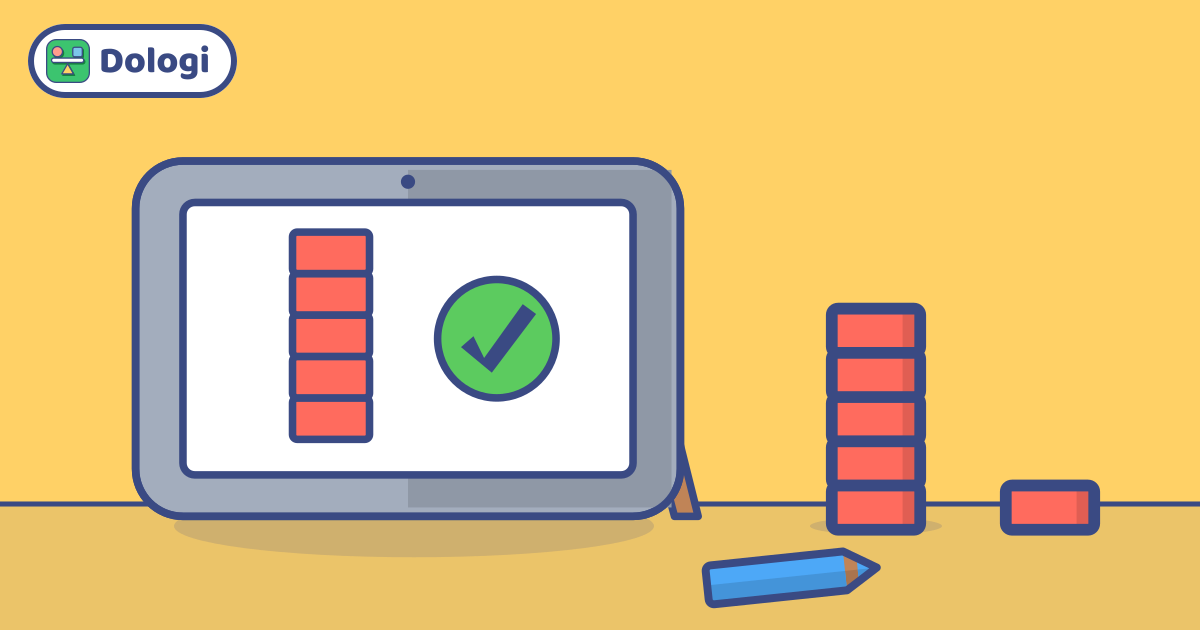
Many children now practice math on a tablet or phone, at school or at home. Parents often wonder whether that's a good thing. The honest answer is that it depends less on the screen and more on how it's used: screens are good at some parts of learning math and weak at others.
This article looks at what math practice on a screen does well, what it can't do, signs that it's helping your child, and an easy habit that covers the gaps: pair each screen task with something real.
What screens do well
- Instant feedback. Your child finds out right away whether an answer works, instead of waiting for a worksheet to be marked. Mistakes get fixed while the problem is still fresh.
- Lots of practice at the right level. A good app can offer many problems, and some step up or down as your child gets better or struggles.
- Patience. The screen doesn't sigh, rush or compare your child with a sibling. Some children feel safer trying again there.
- Movement you can't easily draw. Water filling a jug, a shape turning, blocks sliding into place: a screen can show changes step by step that are hard to see on paper.
- Quick practice of things already understood. Once a child knows what addition means, short sessions can help facts like 7 + 5 come faster.
What screens can't do
- Give the feel of real things. Holding five cubes, pouring water from a cup into a jug, cutting a sandwich into halves: young children especially build their sense of number and size with their hands.
- See how your child got the answer. Most apps check the answer, not the thinking. A child can get a right answer by guessing, or by tapping options until one turns green.
- Set up a messy real problem. In daily life nobody says which numbers matter. Working out how many plates you need for guests, or whether a shelf will fit, means choosing the math yourself.
- Replace pencil and paper. Drawing a picture of a problem, writing steps and seeing where an error crept in are skills a child needs at school and beyond.
- Talk it through. Explaining an idea, hearing a different method and disagreeing politely happen between people.
Is screen practice helping? Signs to look for
| Probably helping | Worth a closer look |
|---|---|
| Your child can explain how they got an answer | Answers come fast, but your child can't say why |
| They can do the same thing with objects or on paper | Right on the screen, lost on paper |
| They slow down on harder problems | They tap through options quickly until one works |
| They use a hint, then try on their own | They want the reward or the next level more than the puzzle |
| They sometimes talk about the math away from the screen | They get upset or don't want to stop |
None of these is a verdict on one session. Watch for a pattern over a week or two, and if something worries you, talk to your child's teacher.
Pair each screen task with a real one
A simple habit fills most of the gaps: after a screen puzzle, do one small real thing that matches it.
| On the screen | Then, for real |
|---|---|
| Counting or adding blocks | Build the same with real blocks, then change it: "What if we add two?" |
| Halves and quarters | Fold a sheet of paper or cut a sandwich into equal parts |
| Filling, pouring, measuring | Fill a jug with a cup at the sink and count the cups |
| Shapes that turn | Find the same shape at home and turn it in your hands |
| Number puzzles | Write one on paper and ask your child to make a new one for you |
Two questions also help a lot: "Show me how you did that" and "Can you teach me?" When your child explains, you learn what they understand, and they find out too.
How much, when, and what to look for in an app
Short sessions usually work better than long ones: a few puzzles, then something else. Sitting with your child now and then is worth more than any setting, because you see how they think. For young children, real objects and talk come first, with the screen as an extra.
When choosing a math app, check that it has no ads, doesn't push your child to keep playing with streaks or countdowns, handles mistakes gently with hints instead of punishment, and lets you see what your child is working on. Try it yourself for a few minutes before handing it over.
Dologi's Math topic follows that idea: a wrong answer brings an invitation to try again, not a red cross, and the hint button gives one small clue at a time. It still works best next to the real thing. After the Fill the jug puzzle, which asks how many full cups fill the jug to the top, take a real cup and jug to the sink and count.
In short
- Screens are good at instant feedback, lots of practice at the right level, patience and showing movement.
- They can't give the feel of real objects, see your child's thinking, set up messy real problems or replace talking and writing.
- Watch for signs: can your child explain, and do the same thing with objects or on paper?
- Pair each screen task with a real one, keep sessions short, and choose apps without ads or pressure to keep playing.
Read more: Using screens together: turning app time into talking time, Brain training games for kids: how to tell ad claims from what really helps, How much screen time is right for children, and how to choose a safe learning app