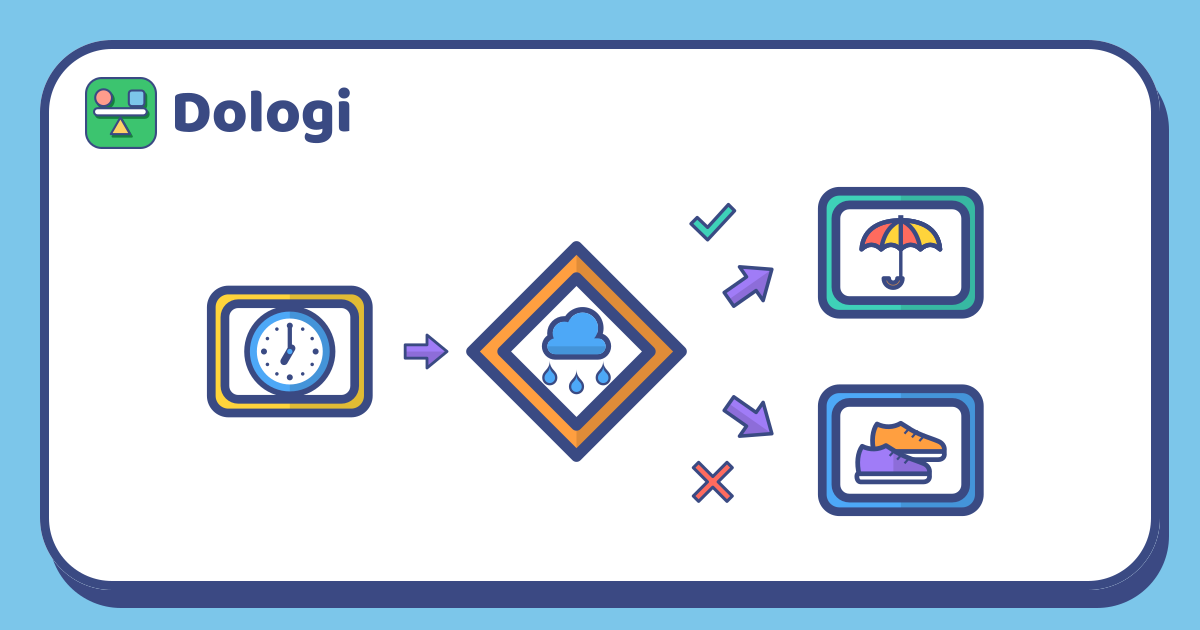
Every morning your child runs a small program. Get up, get dressed, eat, brush teeth, leave. But it is not a straight line: if it is raining, the umbrella comes along; if the bag is not packed, someone goes back to pack it.
Before programmers write code, they often draw it first as a flowchart: boxes for the steps, diamonds for the questions, and arrows to show what comes next. Drawing your own morning this way takes one sheet of paper and about twenty minutes. It suits children of about 7 to 12, and it teaches three ideas found in every program: order, decisions and repeats.
Three shapes are enough
A flowchart only needs a few shapes. Draw them at the top of the page as a key:
| Shape | What it means | Example |
|---|---|---|
| Oval | Where the chart starts and ends | "Wake up", "Out the door" |
| Rectangle | One thing to do | "Brush teeth" |
| Diamond | A question with only two answers, yes or no | "Is it raining?" |
| Arrow | What comes next | From "Get dressed" to "Eat breakfast" |
Two rules keep the chart clear. Each rectangle has one arrow going out. Each diamond has exactly two arrows going out, one marked "yes" and one marked "no". Children who don't write much yet can draw a small picture inside each shape instead of words.
Draw the morning together
Start with sticky notes or small pieces of paper, one step per note. Ask your child to tell you everything they do from waking up to leaving the house, and write each step as they say it. Then lay the notes out in order on the table.
Now look for the places where the morning depends on something. Those become diamonds:
- Is it raining? Yes: take the umbrella and put on boots. No: put on sneakers.
- Is it a sports day? Yes: pack the sports kit. No: go straight on.
A simple morning might read like this:
- Start: wake up.
- Get dressed.
- Eat breakfast.
- Brush teeth.
- Is it raining? Yes: take the umbrella, put on boots. No: put on sneakers.
- Both arrows meet again at the next step: put on your coat.
- End: out the door.
Copy it onto a large sheet with arrows in between. Notice step 6: after a question, the two branches usually join up again, otherwise the chart splits into two separate mornings.
The arrow that goes back
Some steps repeat until something is true. In a flowchart, that is an arrow that goes back up to an earlier shape, which programmers call a loop.
Add one to the morning: "Is everything in the bag?" No: put in one missing thing, then follow the arrow back to the same question. Yes: carry on. The bag gets checked again and again until the answer is yes.
Two questions help your child understand loops:
- Where does the arrow go back to? If it goes back to "Wake up" instead of to the bag question, your child would get up and have breakfast all over again. Children usually find this funny, and remember it.
- Does the loop ever end? Inside the loop, something must change. If the step were only "look at the bag" without putting anything in, the answer would stay no and the loop would go around forever. That is a real bug in programs too.
Test it with a finger
A flowchart is only finished once it has been tested. Your child puts a finger on "Start" and follows the arrows. You play the morning: "It's raining today." "You forgot your water bottle." Then try again with a dry day and a full bag.
While testing, look for:
- Dead ends: a shape with no arrow going out, where the finger gets stuck.
- A diamond with only one answer: what happens on the other answer?
- Missing steps: there's no step for putting on shoes on a dry day.
- Steps in the wrong order: coat before pajamas off, shoes before socks.
Then turn it into a puzzle. Draw this chart for your child and ask them to find two mistakes:
Start, then "Put on shoes", then "Put on socks", then the diamond "Is it raining?". The yes arrow goes to "Take the umbrella", then to "Out the door". The no arrow is not there.
Answer: socks and shoes are swapped, so the socks would go on over the shoes. And on a dry day the finger stops at the diamond with nowhere to go, because the "no" arrow is missing. It should lead straight to "Out the door".
A flowchart for a familiar game
Once the morning works, draw a game your child knows well. Rock, paper, scissors makes a good first one:
- Start: both players show a hand at the same time.
- Is it the same sign? Yes: follow the arrow back to step 1. No: go on.
- Who wins? Rock beats scissors, scissors beat paper, paper beats rock.
- End: one player wins the round.
Step 2 is a loop, and step 3 hides several questions. Your child can draw it as a row of diamonds or look for a shorter way. For a board game, try one turn: roll the die, move, and ask "Is it a six?" with an arrow back to roll again.
Adjust the task to your child. Ages are rough guides, and every child is different:
- About 7–8: picture cards, one question, no loop. A parent draws the arrows.
- About 9–10: two questions and one loop. Your child draws it alone and you follow it with your finger.
- About 11–12: questions inside loops, and two people drawing charts for the same job, then comparing which is shorter.
In Dologi, the "Repeat moves" puzzles in the Space topic use the same idea as the arrow that goes back: there aren't enough slots for every step, so your child taps a move to repeat it and drives the car over every star.
In short
- A flowchart uses rectangles for steps, diamonds for yes-or-no questions and arrows for what comes next.
- Your child's morning is a good first chart: it has steps in order, real questions and things that repeat.
- An arrow going back makes a loop; something inside the loop must change, or it never ends.
- Testing with a finger shows dead ends, missing answers and steps in the wrong order.
Read more: Loops and conditions for children: learning through skipping and songs