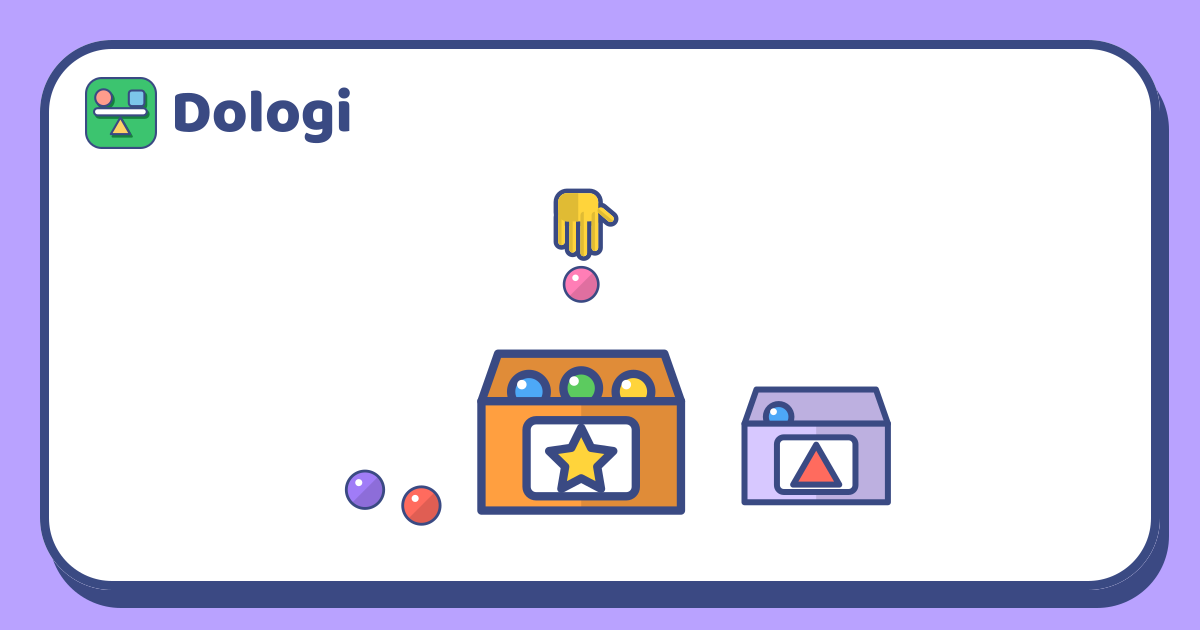
Sooner or later, a child who is learning to code meets the word "variable". Book definitions such as "a named storage location in memory" rarely help, yet the idea is something children already understand. A variable is a box with a name on it. The program puts something in the box, looks inside when it needs to, and changes what is inside as things happen.
This post shows how to make that idea real at home for children of about 8 to 12, with a cardboard box, a handful of marbles and a few commands written on paper. No computer needed.
A box with a name
Take a small box, or a cup, and stick a label on the front. Draw a star on it, or write a word. Put three marbles inside. Now say to your child: "This is the box called Star. Right now, Star holds three."
That is all a variable is:
- The name is the label. It stays the same for the whole game.
- The value is what is inside, here the number of marbles. It can change many times. That is why it is called a variable: it varies.
- Looking inside does not change it. Your child can peek into Star as often as they like and it still holds three. Only a command changes it.
A quick check that the name and the value are clear: "If I take all the marbles out, does the box still have a name?" Yes. It is still Star, it just holds zero.
Commands that change the box
Write a few short commands on cards and let your child be the computer. They read one card at a time, do exactly what it says, and nothing else.
- Add two to Star.
- Take one out of Star.
- Add three to Star.
Before they start, ask: "Star holds three now. How many will it hold at the end?" Let them work it out in their head, then run the cards and open the box to check. Here the answer is 3 + 2 − 1 + 3 = 7.
Then add a different kind of card:
- Empty Star, then put in two.
Whatever Star held before, it now holds two. Programmers call this assigning a value, and mixing it up with "add two" is a common bug. Ask: "Does it matter what was in Star before this card?" For "add two" it does. For this card it doesn't.
Puzzles with the box
Try these with real marbles first, then in your heads. The answers are at the end of the section.
- Star holds 4. Run: add 2, take out 3, add 1. How many now?
- Star holds 5. Run: take out 2, empty Star then put in 1, add 4. How many now?
- Star holds some marbles we don't know. Run: add 3, take out 1. Now it holds 6. How many did it hold at the start?
Answers: 1) 4 + 2 − 3 + 1 = 4. 2) Taking out 2 doesn't matter, because the box is emptied next: 0 + 1 + 4 = 5. 3) Work backwards: before taking out 1 it held 7, before adding 3 it held 4. In a real program, a line like "take out 2" in puzzle 2 does nothing useful, a small mistake worth spotting.
Two boxes: a score game
Now the part that shows why programs need variables. Play a simple throwing game: a rolled-up sock thrown into a basket from a line on the floor. Put out two labeled boxes:
| Box | What it remembers | Rule |
|---|---|---|
| Points | how many throws went in | add one marble when the sock lands in the basket |
| Turns | how many throws have been taken | add one marble after every throw |
Then write the rules of the game as a little program:
- Empty Points. Empty Turns.
- Throw the sock. Add one to Turns.
- If the sock went in, add one to Points.
- If Turns holds five, stop. If not, go back to step 2.
- Count the marbles in Points: that is the score.
Your child runs the program while you throw, then you swap. Ask:
- "Why do we need the Turns box? Couldn't we just remember?" With two players, chatter and a dropped sock, people lose count. A program has no memory at all except its variables: if the score isn't in a box, it is gone.
- "What happens if we forget step 1?" The next game starts with the old score already in the box. This is a real bug that turns up in real games.
- "How would you change the game to give three lives instead of five turns?" One possible answer: a Lives box starting at three, take one out on every miss, stop when it is empty.
The score in a game, the seconds left on a timer, the volume level: each is a value kept in a named box and changed by the program.
A puzzle for older children: swap the boxes
A classic for children of about 10 to 12. Star holds 3 marbles and Triangle holds 1. The task is to swap them, so that Star holds 1 and Triangle holds 3. The rule: you may only pour all of one box into another box that is empty.
Pouring Star into Triangle doesn't work, because Triangle isn't empty. Getting stuck for a while is fine. The trick is a third, empty box, called Spare:
- Pour Star into Spare. (Spare 3, Star 0)
- Pour Triangle into Star. (Star 1, Triangle 0)
- Pour Spare into Triangle. (Triangle 3, Spare 0)
Programmers use exactly this trick to swap two values. Once your child has found it with boxes, the idea stays with them.
How Dologi uses the same skill
Keeping track of a changing amount is a memory skill. In the "What's in the sack?" puzzles in the Memory topic in Dologi, fruits fly into a sack one by one, some fly out again, and at the end your child says how many fruits are inside. At the harder levels there are two sacks and fruit moves from one to the other, a lot like two variables changing as a program runs.
In short
- A variable is a box with a name: the name stays, the value inside can change.
- "Add two" depends on what was already in the box; "empty, then put in two" doesn't.
- A score game with Points and Turns boxes shows why a program must store what it needs to remember.
- Swapping two boxes needs a third, empty box, the same trick programmers use.
Read more: Playing vending machine: children write the rules for taking coins, giving snacks and giving change