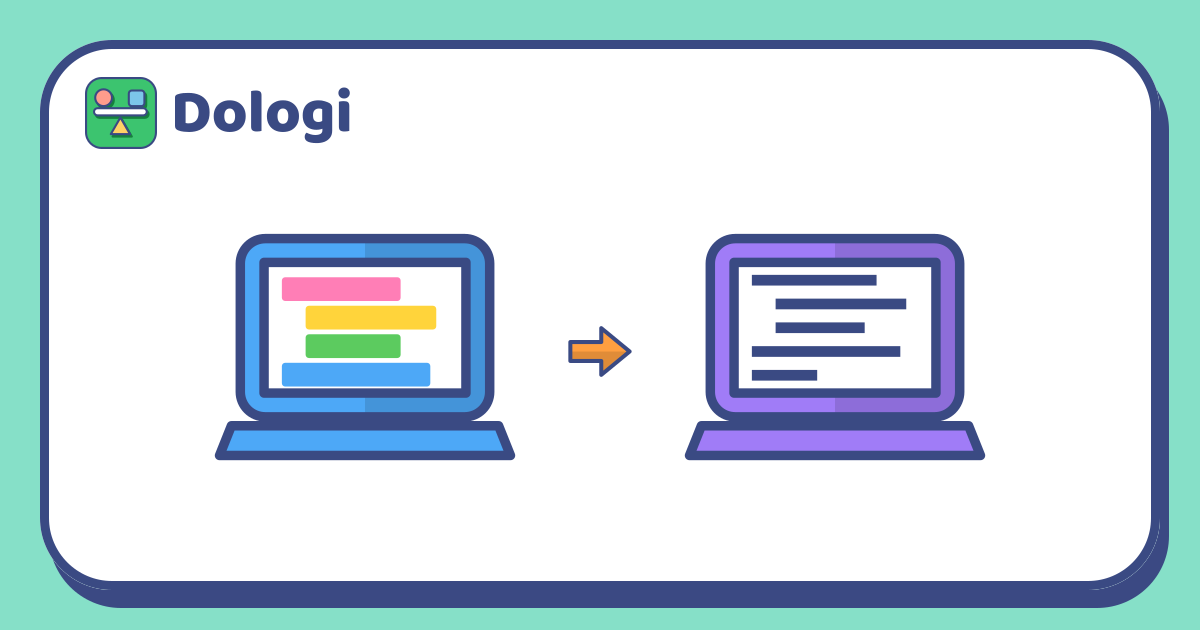
Somewhere around 10 to 12, many children who enjoy block coding start to say things like "I want to do real coding" or "my project has too many blocks". It is a good moment, and it can also be a frustrating one: typed code is far less forgiving than blocks, and one missing bracket can stop everything.
This article helps you judge whether your child is ready, explains what changes when they start typing, and suggests how to make the first weeks feel like progress rather than a wall of error messages. You don't need to know how to code yourself.
Blocks are real coding too
First, a reassurance worth passing on to your child: block coding is not "pretend" coding. Sequences, loops, conditions and variables work the same way in blocks and in typed languages. A child who can build a game with a score, a timer and a "game over" screen in blocks already knows how to think like a programmer.
What typing adds is mostly form: exact spelling, punctuation, and lines that must be arranged in a precise way. The ideas carry over; the way of writing them changes.
Signs your child is ready
There is no right age, and every child is different. These signs matter more than age:
- They use loops, conditions and variables without help. For example, "repeat until the ball touches the edge" or "if the score reaches 10, show a message".
- Their projects are getting big. Long stacks of blocks become hard to scroll through, and they start wishing they could just write it.
- They want something blocks can't easily do, such as working with lots of text or numbers, or making a program a friend can use outside the block tool.
- They can type at a comfortable speed and don't mind hunting for a few symbols on the keyboard.
- They can handle small setbacks without giving up the whole project.
If only one or two of these fit, there's no rush. More time with blocks, on bigger projects, is never wasted.
What changes when you type
| Blocks | Typed code | |
|---|---|---|
| Commands | Chosen from a menu | Typed letter by letter |
| Mistakes | Blocks only fit where they make sense | A typo or missing symbol stops the program |
| Structure | Shown by the shape of the blocks | Shown by brackets, colons or indentation |
| Feedback | The program runs or does nothing | Error messages, often in technical English |
| Size | Long projects get hard to see | Long programs fit in a few screens |
Most text languages use short English words as commands. For children who don't speak English, it helps to treat these as symbols with a fixed meaning, the way they learned that a red light means stop.
First projects with quick results
The best first typed projects are small and show a result within minutes:
- Rebuild a block project in text. Your child already knows how it should behave, so they can focus on the new way of writing.
- A number-guessing game. The computer picks a number, the player guesses, and the program says "higher" or "lower".
- A times-table quiz that asks five questions and counts correct answers.
- Drawing with commands, where each line moves a pen across the screen, so loops instantly turn into patterns.
When choosing a tool or language for beginners, a few general criteria help: free to use, no ads, no chatting with strangers, a simple editor that runs the program with one click, clear error messages, and beginner materials in your family's language.
Learning together, 20 minutes at a time
- Short, regular sessions. Around 20 minutes, a few times a week, often works better than a long weekend session. Stop while it is still fun.
- Sit beside, don't type for them. Ask "what should happen next?" and let your child's hands stay on the keyboard.
- Copy, then change one thing. Typing in a short example is fine, as long as your child then changes something (a number, a message, a color) and predicts what will happen.
- Explain it out loud. Reading a line aloud to a parent, or even to a toy on the desk, often reveals the mistake.
Typing errors are part of the job
Every programmer makes small typing errors every day. Help your child see them as normal and fixable:
- Read the error message together. It usually names a line number. Start there, and also check the line just before it.
- Check the usual suspects: a missing bracket or quotation mark, a capital letter where a small one should be, a word spelled differently from before, a line not indented like its neighbors.
- Compare with a version that worked. What's different?
- Change one thing at a time, then run the program again.
Some families keep a "bug diary": each new kind of error and how it was fixed. After a few weeks, your child will be fixing in seconds what used to take ten minutes.
It's also fine to go back and forth. Many children keep sketching ideas in blocks and use typed code for some projects only. That's not a step backwards.
In Dologi, the "Repeat moves" puzzles practice one idea every programming language shares: instead of lining up the same move again and again, your child repeats one move several times, which is exactly what a loop does.
In short
- Block coding is real coding; typing changes how ideas are written, not the ideas themselves.
- Readiness shows in skills (loops, conditions, variables, bigger projects, patience), not in age alone.
- Start with small typed projects that show results quickly, and rebuild a familiar block project.
- Treat typing errors as normal: read the message, check the usual suspects, change one thing at a time.
Read more: Learning to code on a computer: what age should children start? · Your child's first coding project: a story with a character who walks and talks