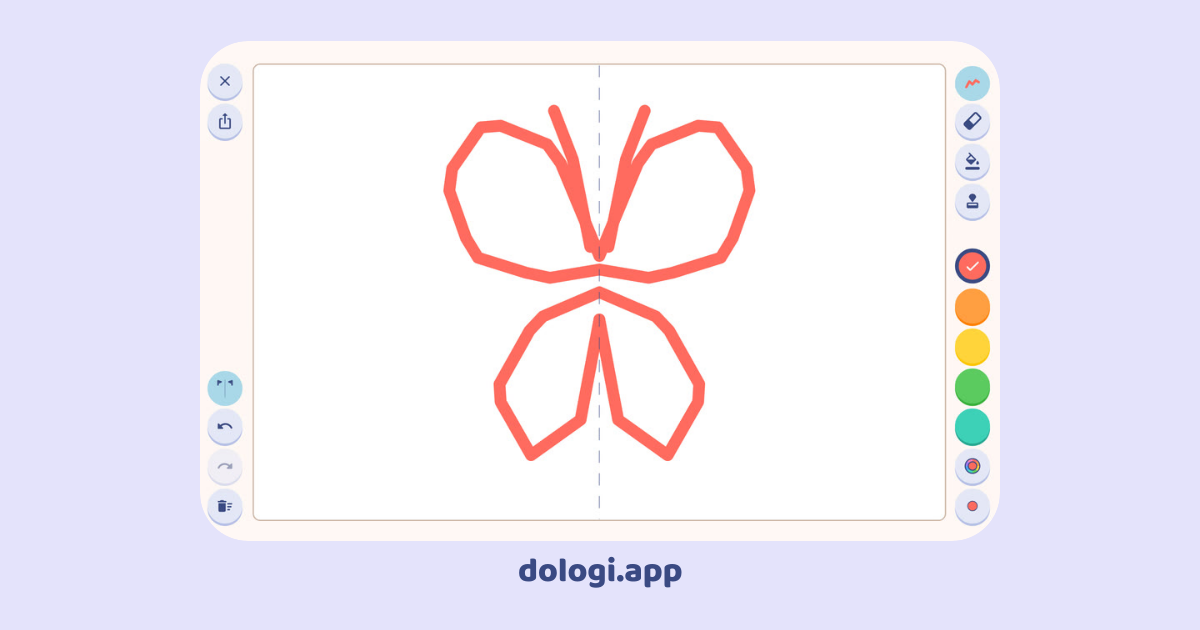
Children don't draw to become artists. When they draw, they practice observing shapes, judging distances, trying out colors and inventing rules for their picture. The Drawing board in Dologi's Creative corner is built for exactly that, with a few small "magic tricks" that let children see the math hiding inside a picture.
This article shows what the Drawing board offers and a few games you can try together.
Choosing paper: plain, grid, dots and coloring pages
Every picture starts with choosing the paper:
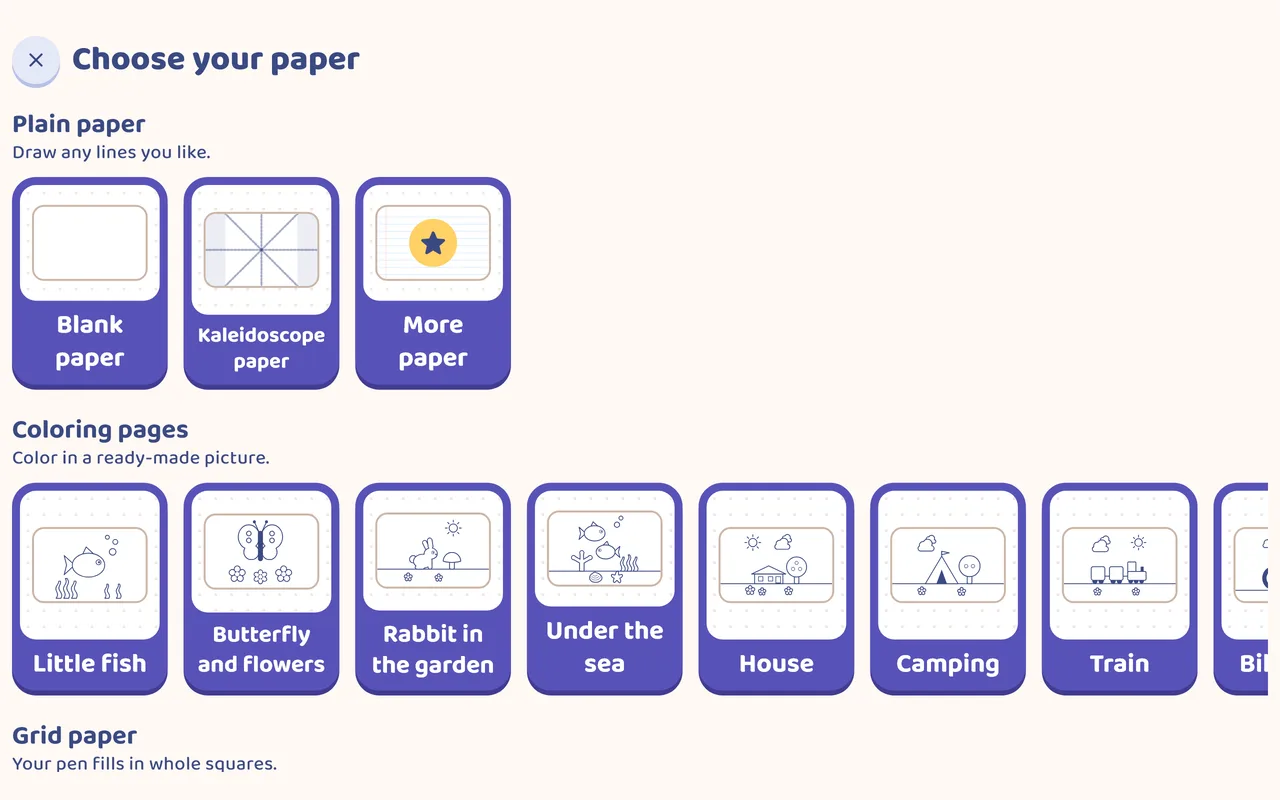
- Blank paper and patterned papers (lined, polka dot, stars, sky…) for free drawing.
- Grid paper: each pen stroke fills whole squares, like drawing a pixel picture.
- Dot paper: join two dots to make a straight line, perfect for geometry.
- Kaleidoscope paper: each stroke is multiplied into a round pattern.
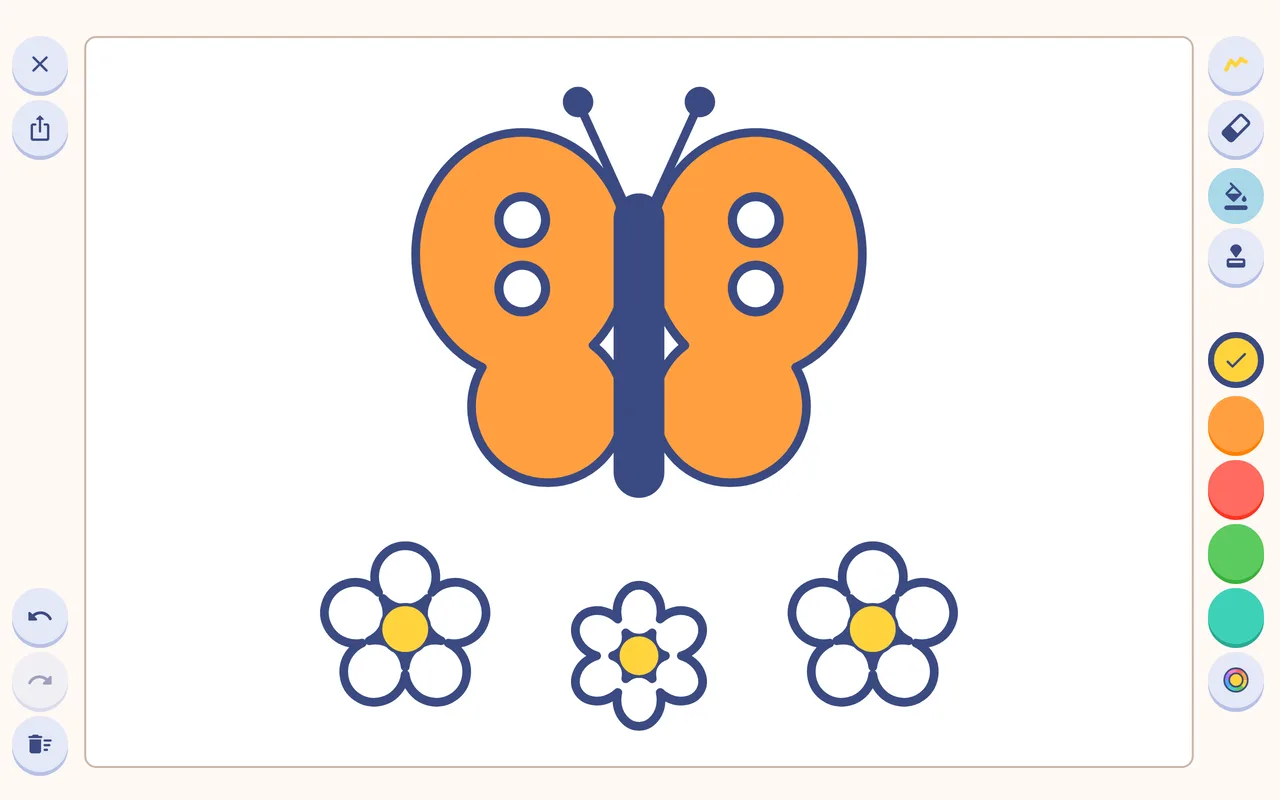
- Coloring pages: 12 ready-made pictures such as a little fish, a butterfly and flowers, under the sea, a house, camping, a train…
Pens, the paint bucket and stamps
Your child has a regular pen, a rainbow pen that changes color along the stroke, spray paint, an eraser and a paint bucket that fills a whole area. On blank paper they can also draw straight lines, circles, rectangles and triangles.
Besides the 12 ready-made colors, your child can mix their own color or pick a color from the drawing with the eyedropper. Dozens of stamps (animals, plants, toys, vehicles, weather, building blocks…) can be placed on the picture, turned, flipped and resized.
The symmetry magic: draw one half, get the whole picture
The favorite feature for most children is the repeat button. Every stroke your child draws is multiplied by the app according to a rule:
| Repeat style | What your child sees |
|---|---|
| Mirror: left and right, top and bottom, all four corners | Draw half a butterfly and the other half appears, like a reflection |
| Spin: 4, 6 or 8 petals | One stroke becomes a flower or a pinwheel |
| Kaleidoscope: 4, 6 or 8 petals | A pattern like the view through a kaleidoscope |
| Tiles: move, flip, turn | One small shape becomes a patterned rug |
No explanation is needed. Your child discovers for themselves what symmetry is, what turning is, and how a small shape repeated can grow into a big pattern. These are the same ideas they will meet again in the Space and Patterns topics.
Drawing ideas offers 12 starting points: snowflake, butterfly, spinning flower, find squares, garden, under the sea, night sky… Each idea opens the right paper, repeat style and colors, with a short hint sentence.
No scores, and pictures stay on the device
The Drawing board has no right or wrong, no scores and no stars. Pictures save automatically to each player's Your pictures shelf on the device, and are not posted anywhere. Your child can even watch every stroke they drew played back, like a little film of their own picture.
To save, print or send a picture to the grandparents, a parent taps the share button and goes through the parent gate. The picture is put together as an image on the device, without passing through any server.
Time in the Creative corner counts toward the daily play limit that parents set, and parents can turn off the whole Creative corner if they wish.
Playing with the Drawing board together
- Guess the other half: turn mirroring off, draw half a butterfly yourself, let your child draw the other half, then turn mirroring on to compare.
- Find the pattern: switch on 6-petal spin, draw one stroke, and ask "if we draw one more stroke, how many new strokes will there be?"
- Count shapes: use the "find squares" idea and ask how many squares are in the picture.
- Tell a story with a picture: your child stamps a few animals onto the under-the-sea picture and tells a story about them.
In short
- The Drawing board has plain paper, grid paper, dot paper, kaleidoscope paper and 12 coloring pages.
- The repeat button turns each stroke into a mirror image, a spinning flower or a tiled pattern.
- No scores; pictures stay on the device, and only a parent can export them.
- A few questions from you can turn drawing time into spatial-thinking time.
Read more: Grid drawing and symmetry for children: copy, mirror and fold to check · What is Dologi?