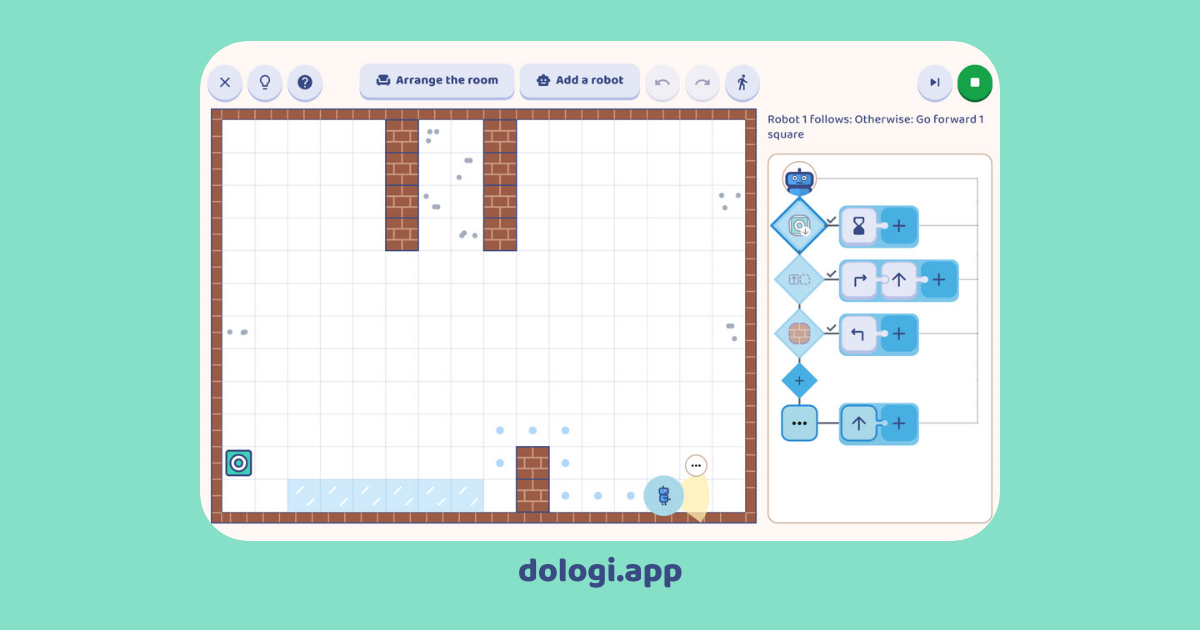
In the Drawing robot, your child gives commands one step at a time: go up, turn right, keep going. But what if a robot has to find its own way around a room your child hasn't seen yet? Then your child can't spell out each step anymore. They have to teach the robot how to decide. That is the idea behind the Robot room, the newest tool in Dologi's Creative corner.
Robots "think" with rules
Every robot has a brain made of rules:
- When… a condition: the front is a wall, the front is clear, standing on an unpainted square, carrying something, hearing a beep…
- then… 1 to 3 actions: go forward, turn left, turn right, turn around, paint, pick up, put down, water a plant, play a note, jump, wave…
- Otherwise: what the robot does when no rule fits.
On every beat, the robot looks at the square in front of it, reads the rules from the top and follows the first one that fits. That makes the order of the rules matter too, and your child will discover this on their own when a robot does something surprising.
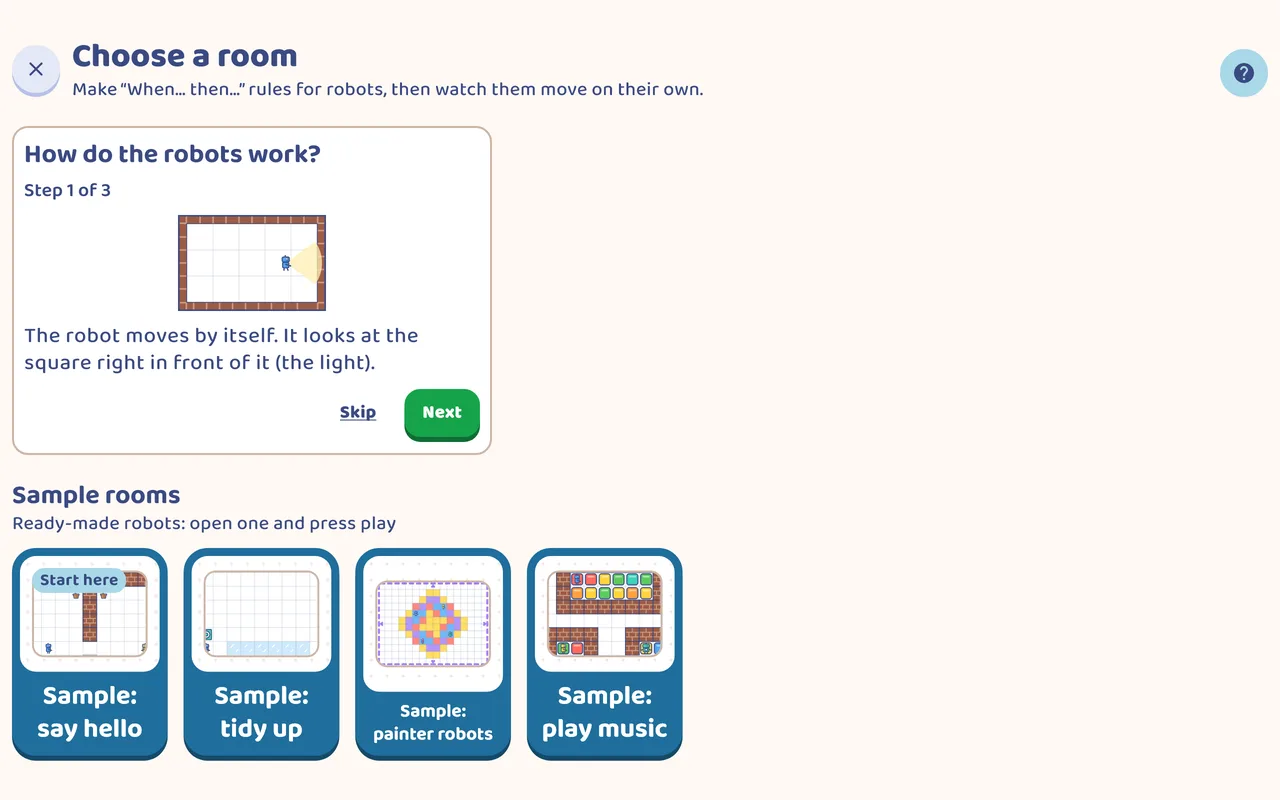
The first time your child opens it, the How do the robots work? screen explains it briefly with pictures, one step at a time.
Your child's room, your child's rules
Your child picks a room (living room, garden, maze, warehouse, ice rink, music room…) and a room size: small, medium or large. They add walls, ice floors, mud floors, doors, switches, boxes, flower pots, lamps, fruit trees, then place up to 5 robots inside. Robots can be decorated too: eyes, arms, legs, antennas, body color.
Tap play and the whole room runs beat by beat. Your child can rewind and replay, and see a faint shadow of the previous run to compare. The Try in other rooms button runs the same brain in a few new rooms: a good set of rules makes the robots do the right thing in every room, not just one.
Four sample rooms show what robots can do: say hello to each other, tidy up, painter robots coloring the floor, and playing music on a floor that makes sounds.
Challenges: from walking straight to guessing a brain
The Challenges tab has dozens of puzzles grouped into chapters, from easy to hard: walking straight, turning, multiple rules, carrying things, multiple robots, coin tosses, rules that work in every room, guessing a brain. Each puzzle has a goal such as reaching the flag, turning on all the lamps, putting flowers in pots, sorting by color or playing the right melody, sometimes with a restriction like "don't bump into walls".
- Every puzzle is open from the start, with no locks and no scoring.
- If it isn't solved yet, the app shows where the robot stopped, in a gentle voice, so your child can keep fixing it.
- Once it is solved, the app says how many pieces your child used and invites them to try with fewer.
There are other ways to play too: Mystery robot (watch a robot run, then guess its brain), Teach by example, and Make a challenge. A challenge your child makes can only be saved once they have solved it themselves. After that they can challenge a parent to solve it on the same device, or ask a parent to send it to friends as a small file or a QR code, without going through a server.
What does your child learn?
| While playing, your child… | The skill |
|---|---|
| Writes "when… then…" rules | Conditional reasoning, the base of coding |
| Puts the rules in order | Prioritizing, thinking systematically |
| Tries the brain in many rooms | Generalizing, testing a hypothesis |
| Guesses the brain of a mystery robot | Reasoning backward from observation |
| Makes a challenge for someone else | Seeing a problem from the setter's side |
Older children can write whole brains themselves and try the harder chapters. Younger children can start by watching a sample room run, changing a piece or two, and guessing what will happen.
In short
- Your child teaches robots with "when… then…" rules, and the robots decide for themselves in the room.
- Your child sets up rooms, places up to 5 robots, rewinds, and tries a brain in other rooms.
- Dozens of challenges are open from the start and never scored; your child makes their own and challenges a parent.
- It builds conditional reasoning, systems thinking and patience with debugging.
Read more: If… then…: teaching children to reason through everyday moments · The Drawing robot in Dologi